What is mobileXO?
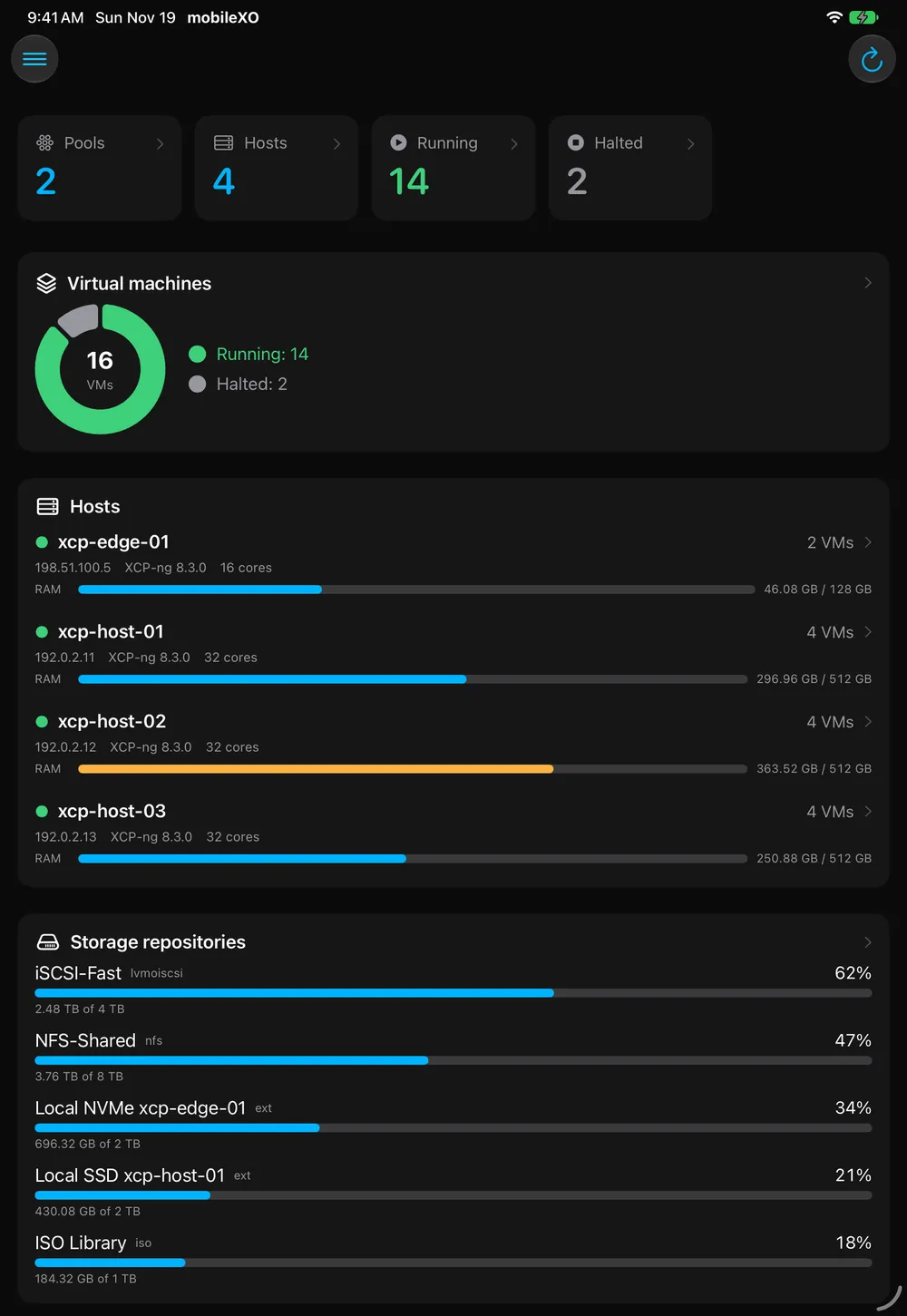
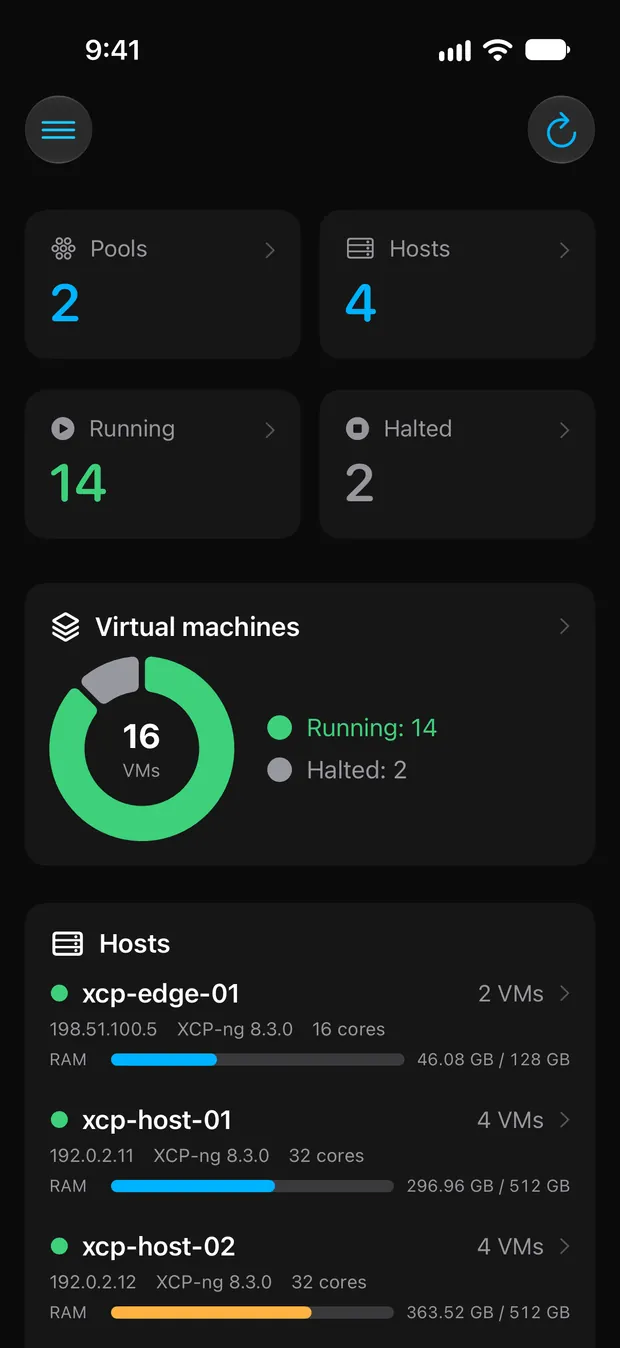
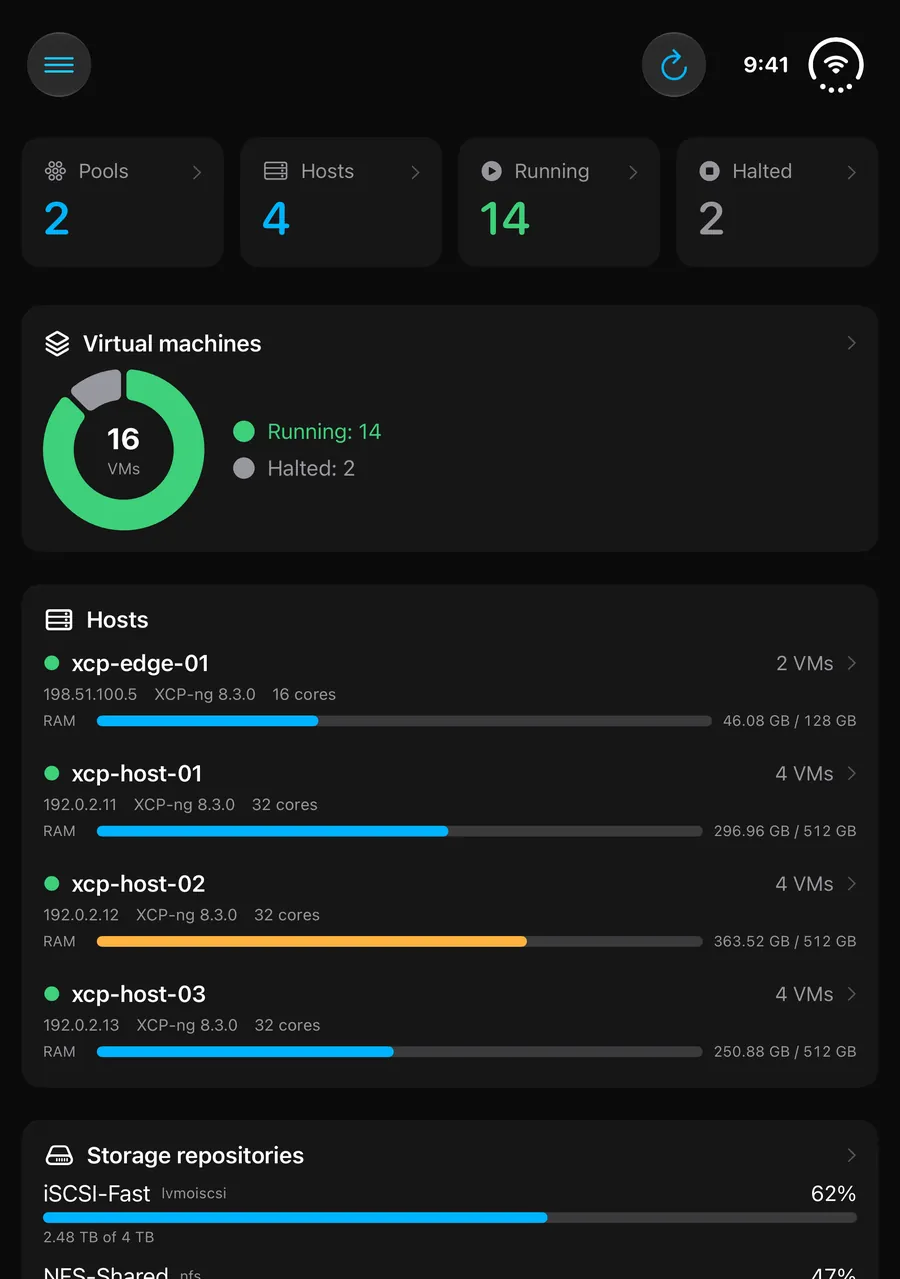
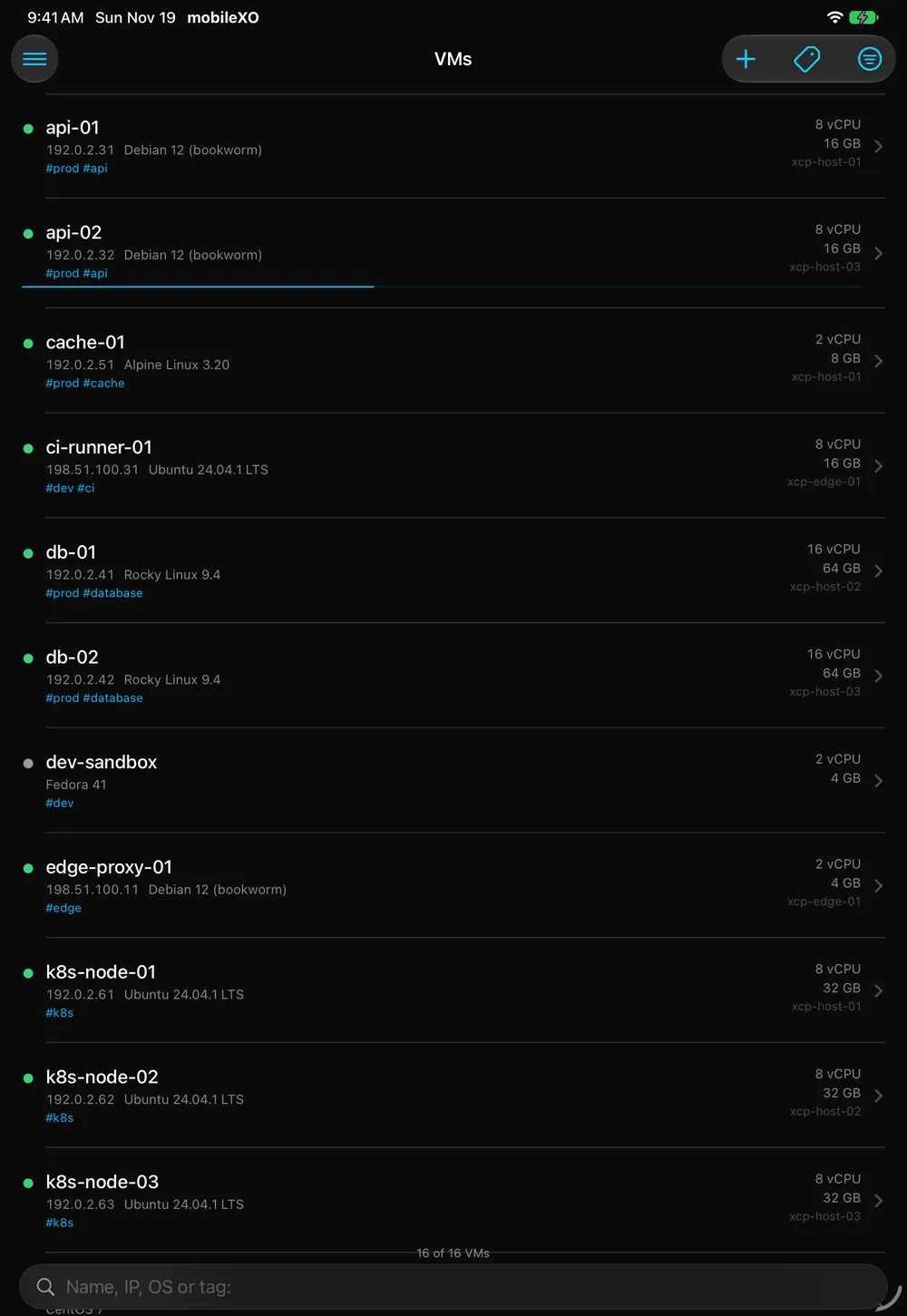
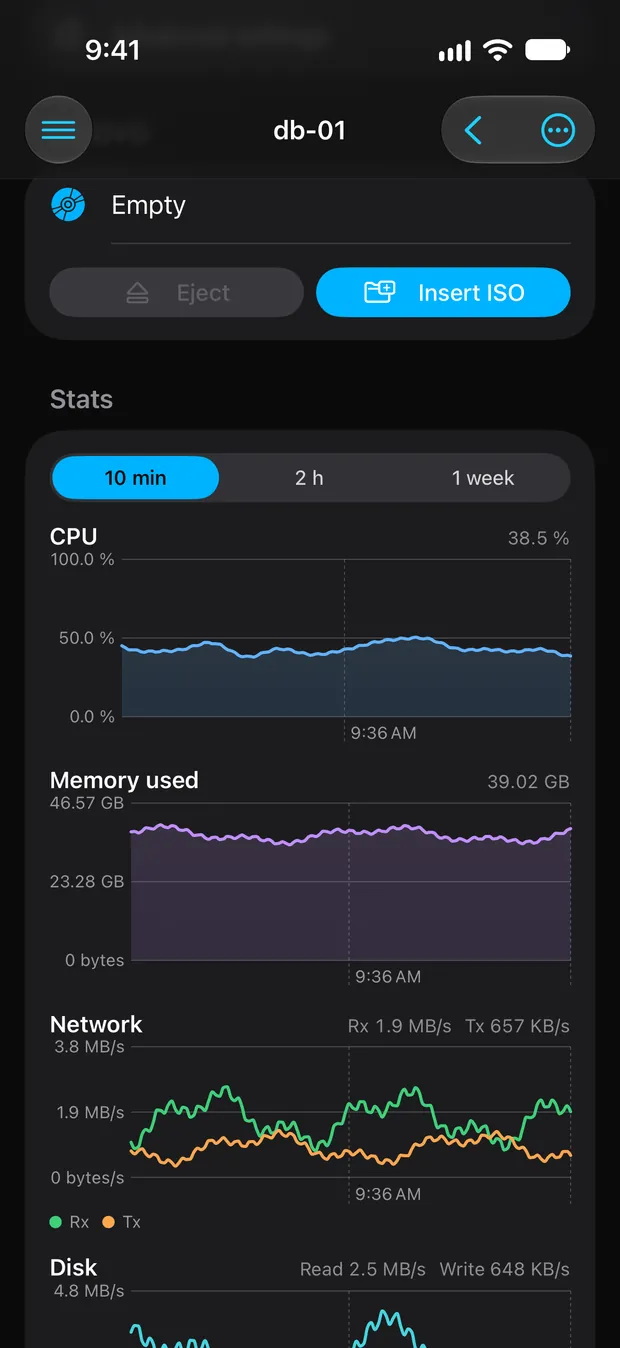
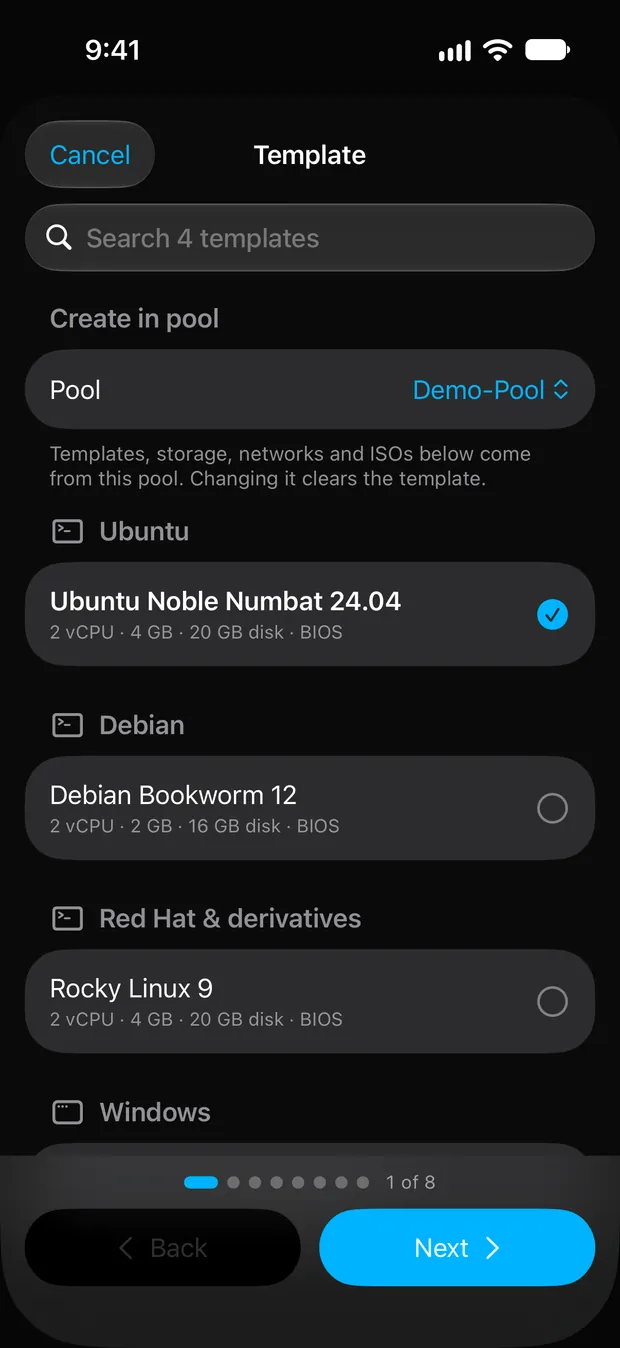
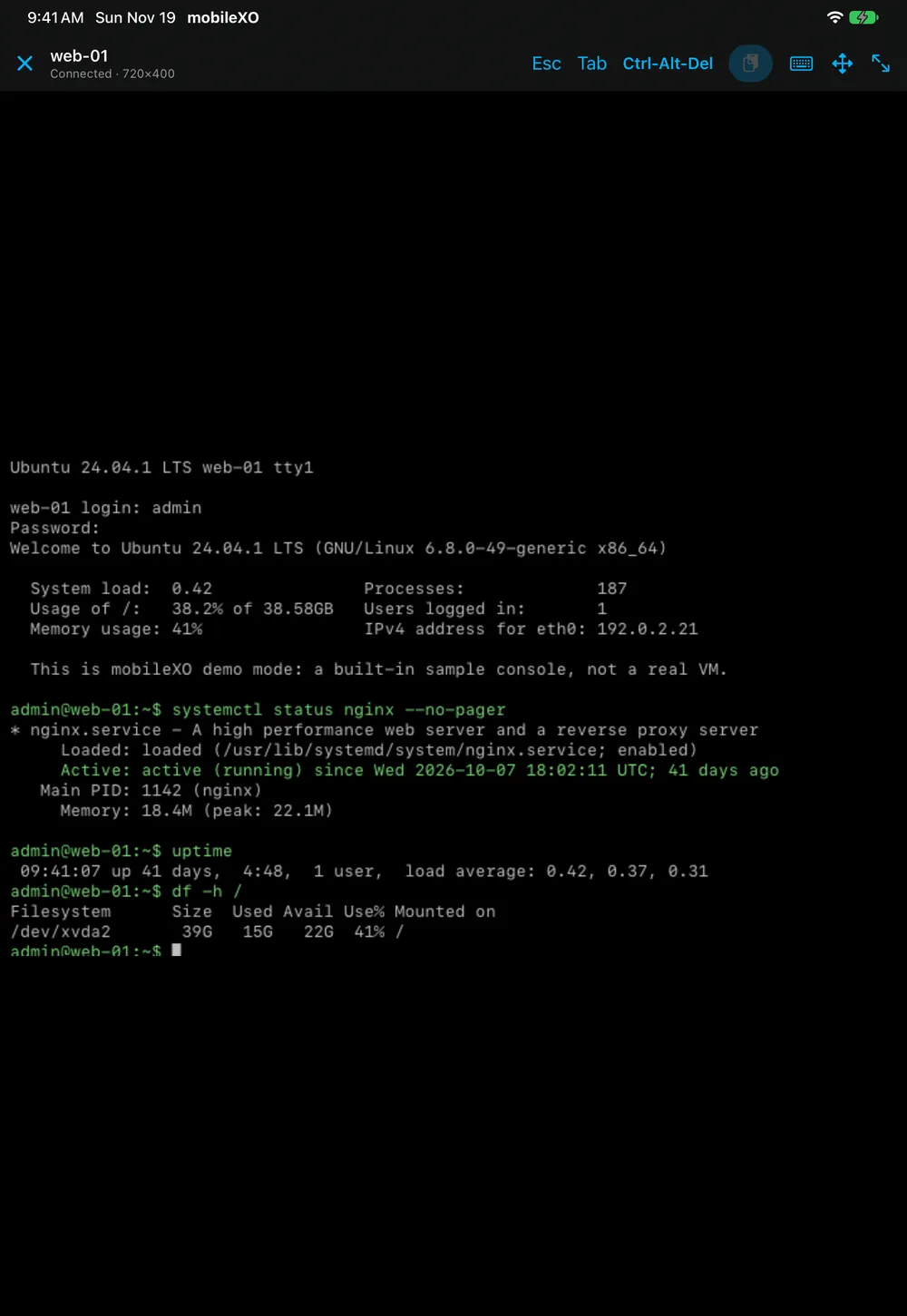
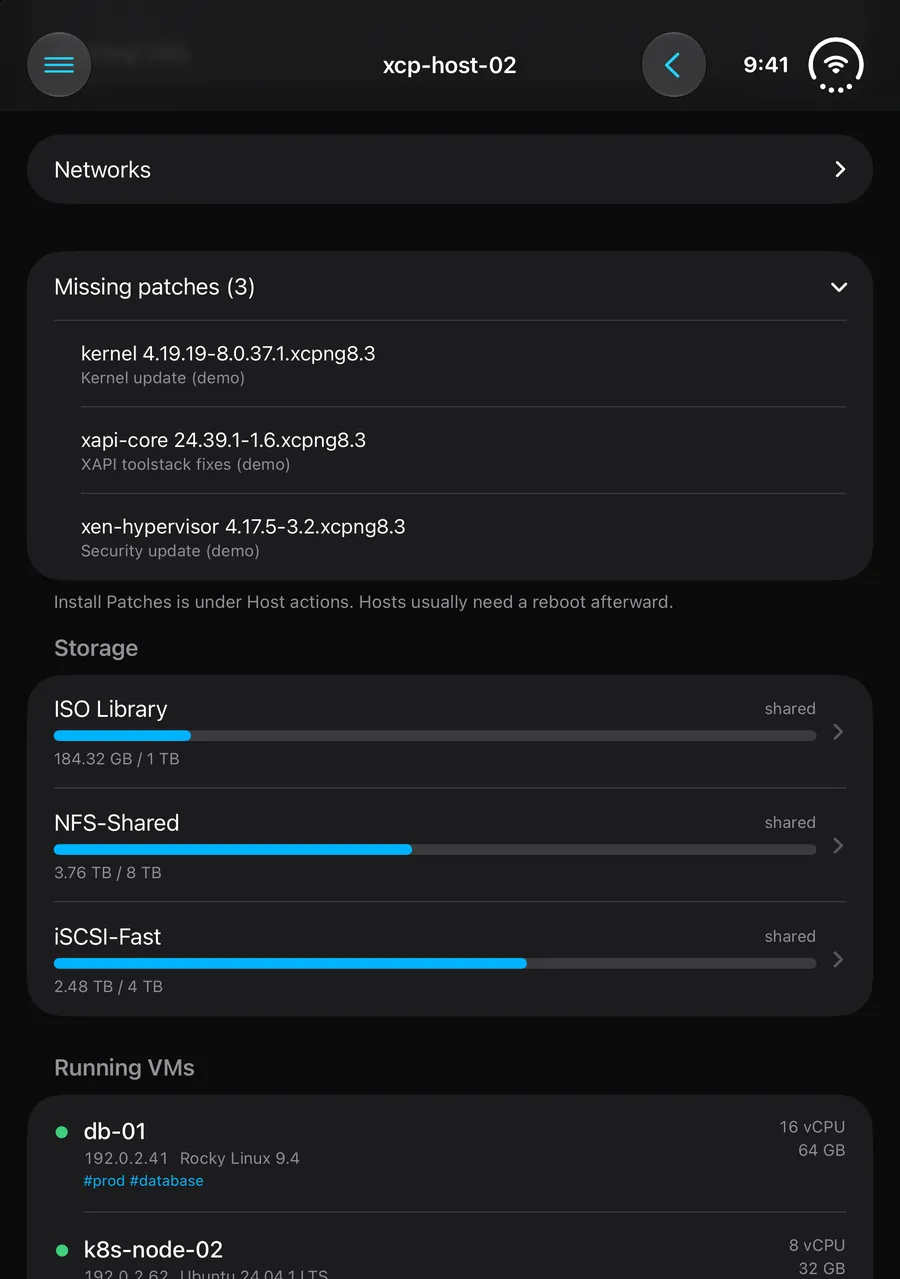
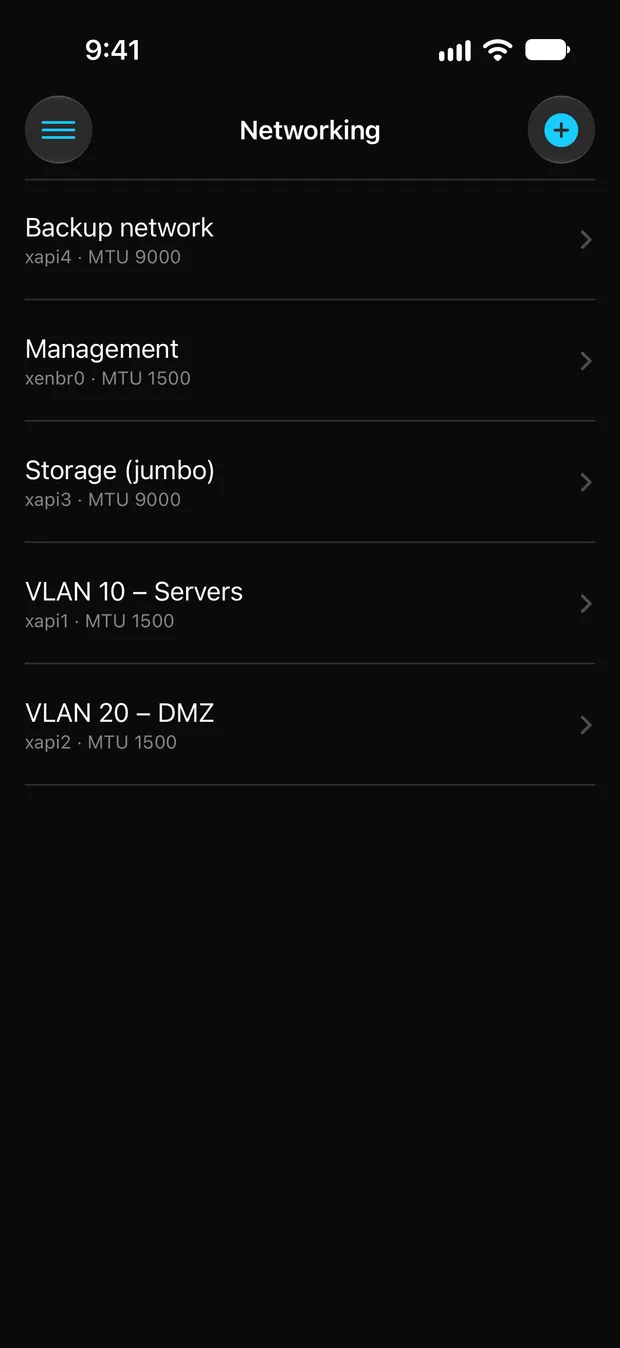
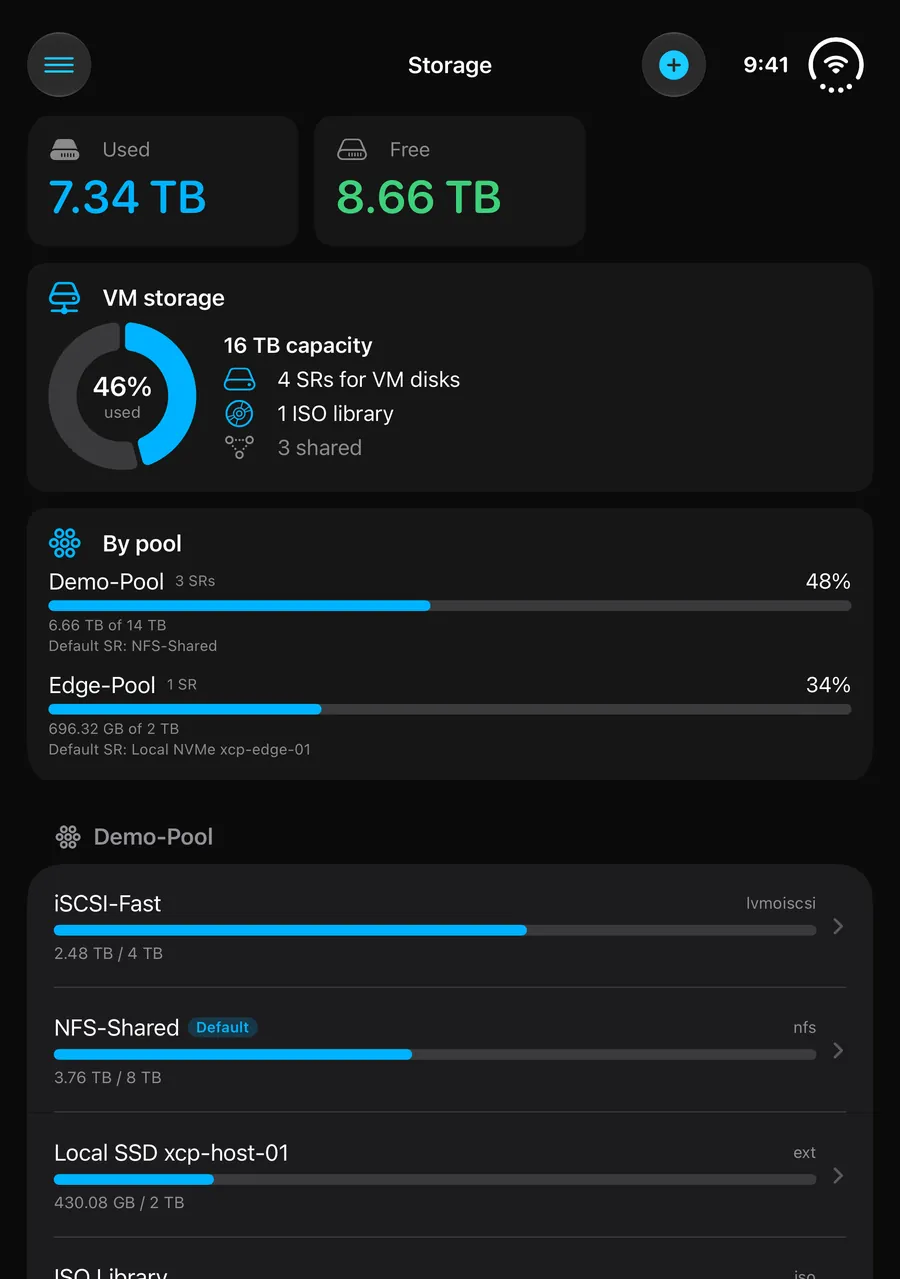
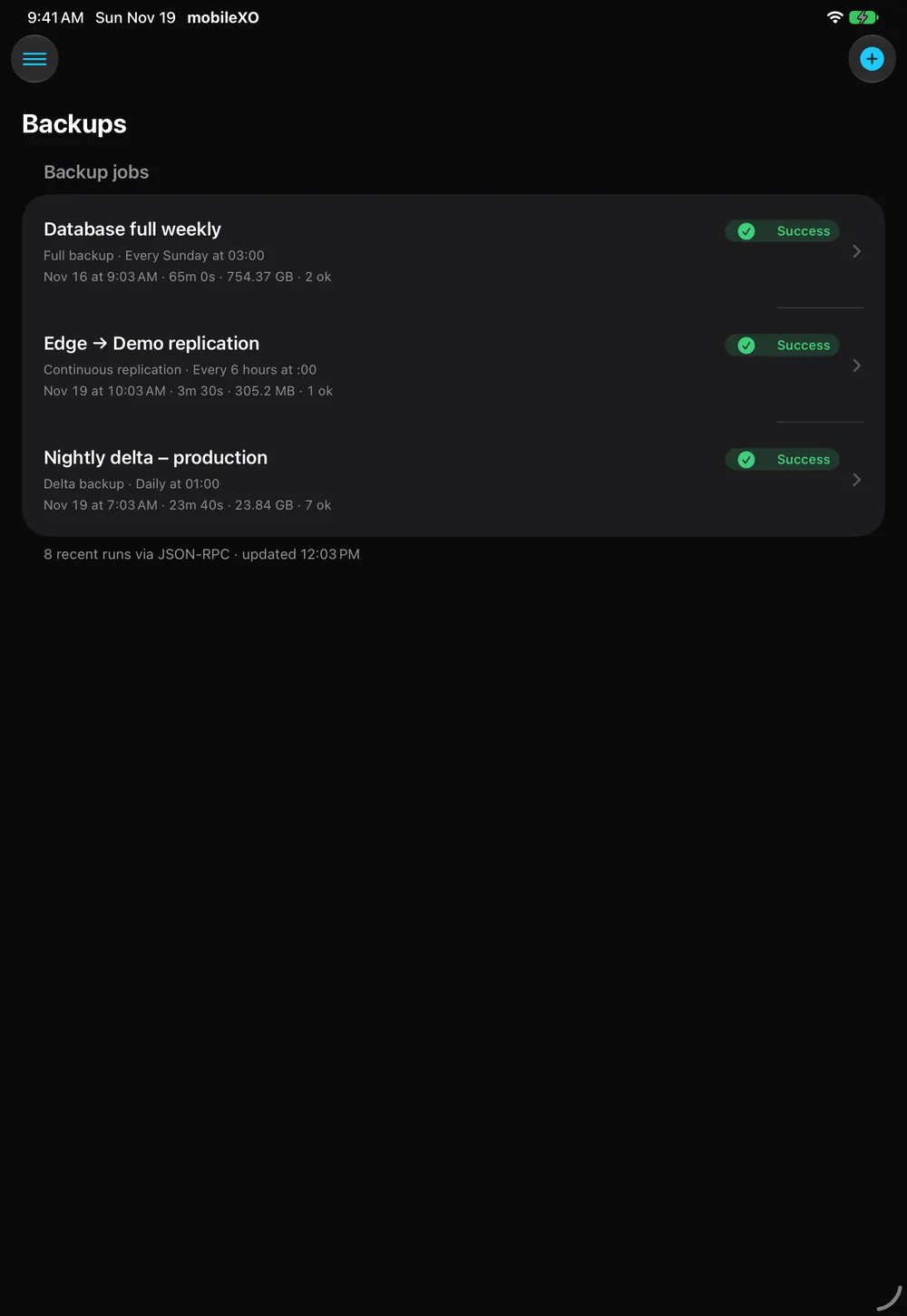
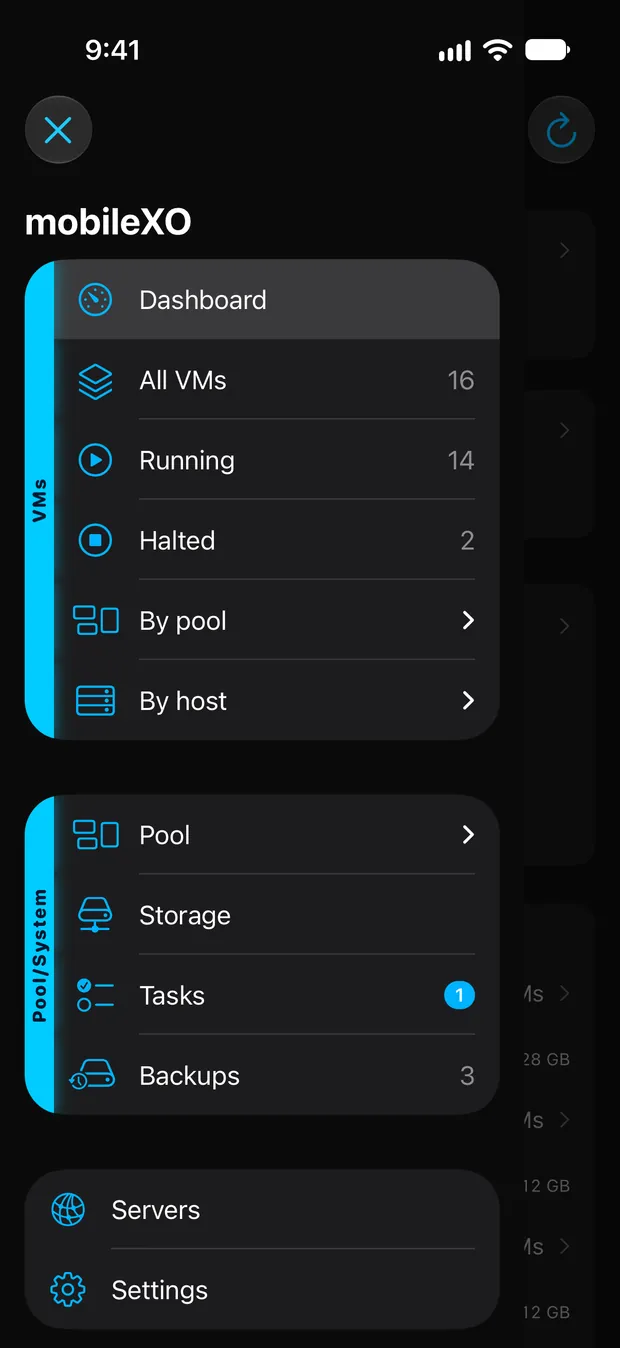
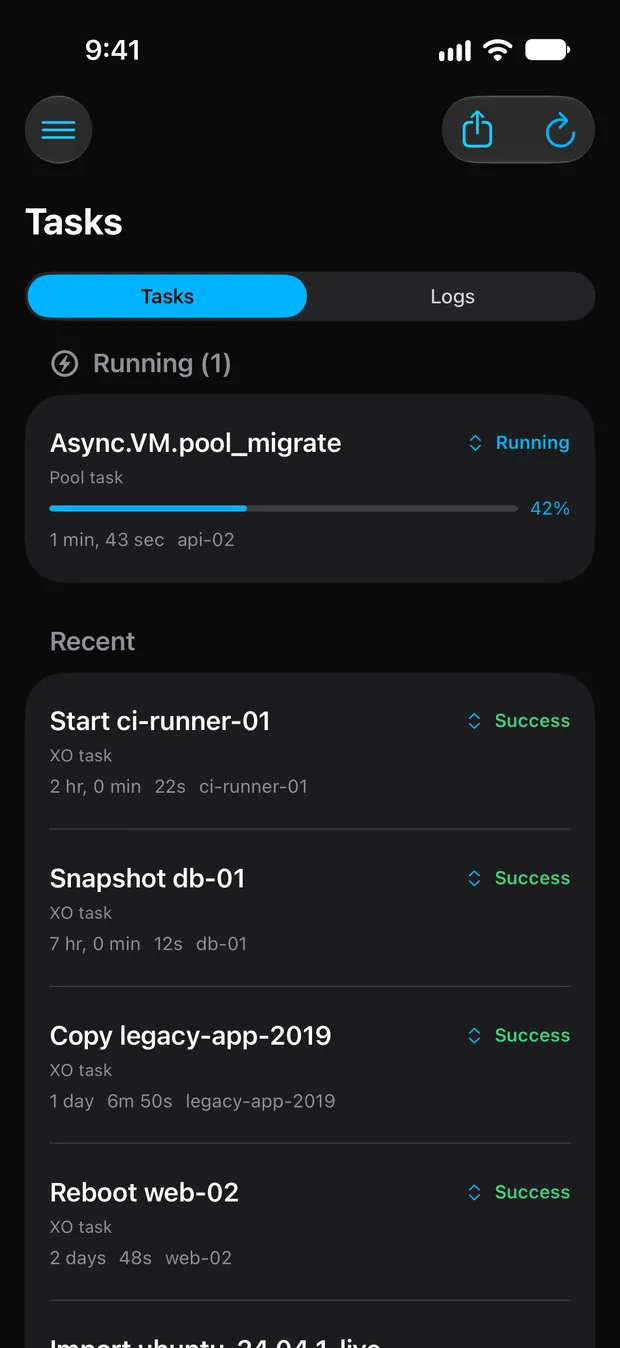
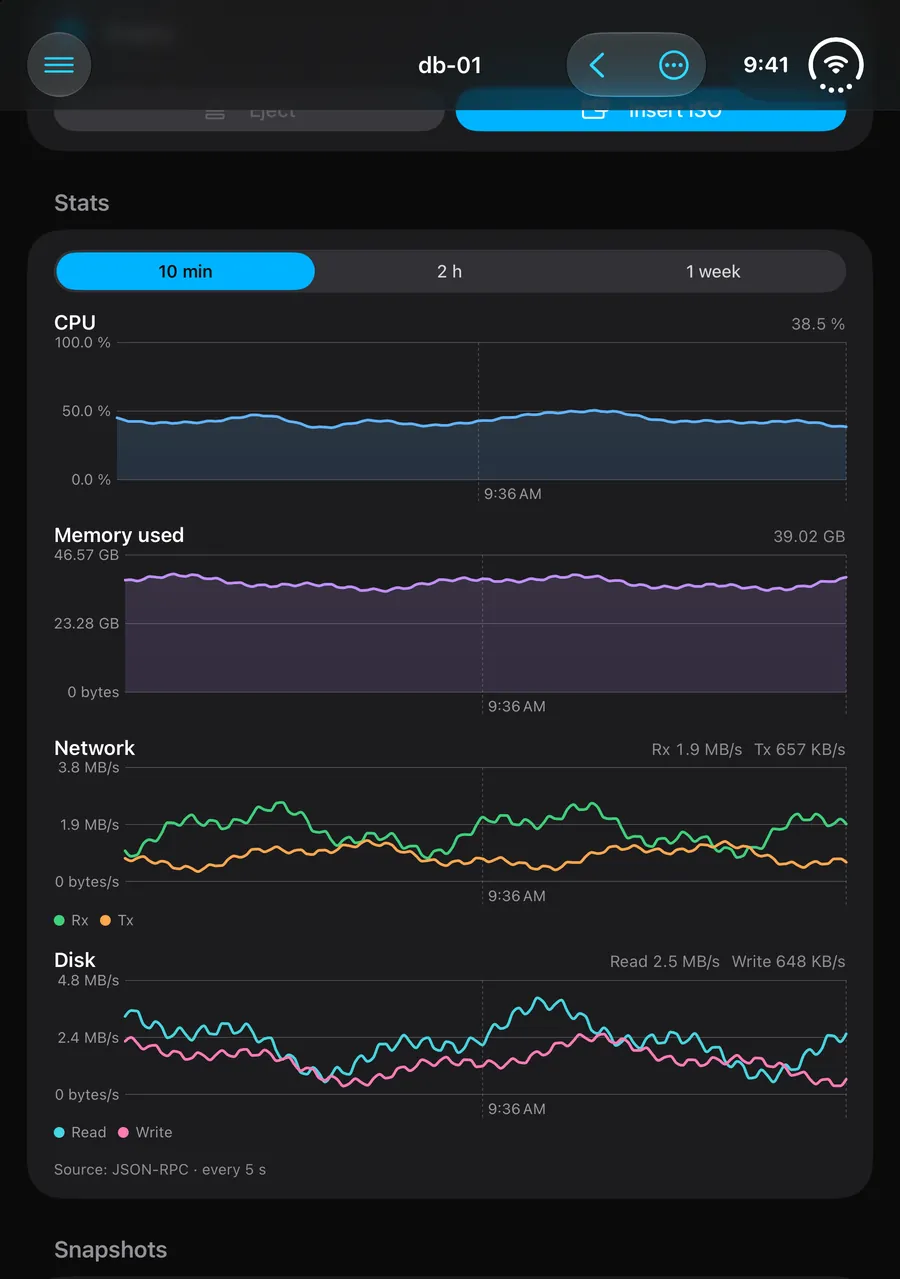
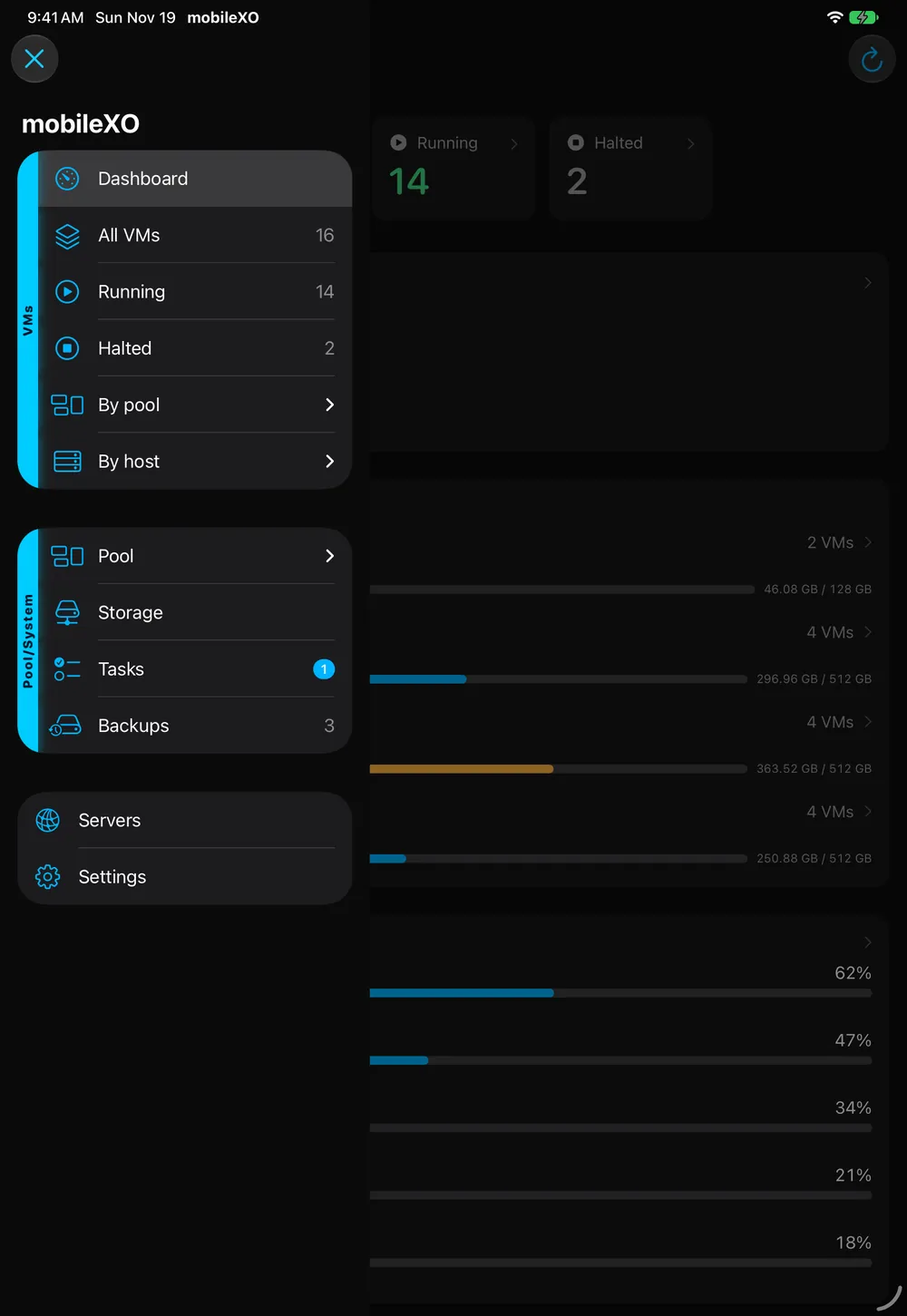
mobileXO is a native iPhone and iPad app for Xen Orchestra. Monitor and manage your XCP-ng and XenServer pools, hosts, VMs, consoles, storage, networks and backups from anywhere.
Does it need an account?
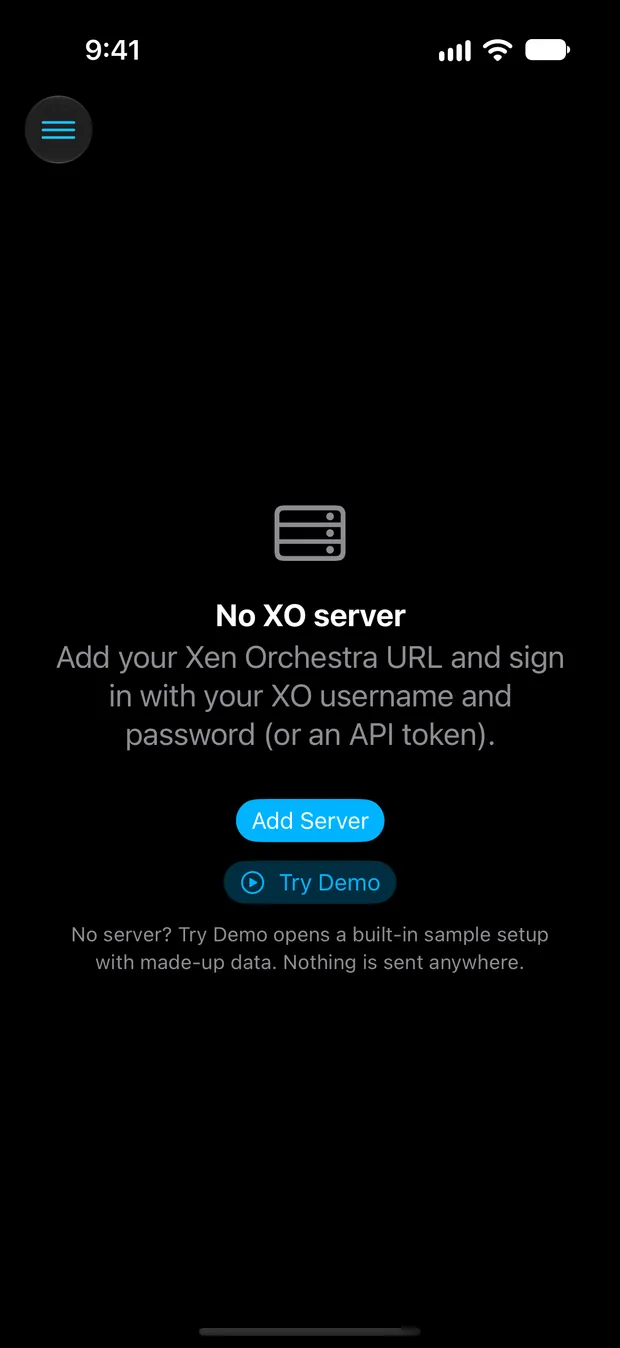
No. There’s no mobileXO account. You sign in to your own Xen Orchestra server with your XO username and password or an API token.
What data is collected?
None. mobileXO has no analytics or tracking and talks only to the Xen Orchestra servers you add. Try Demo doesn’t connect to anything at all. See the Privacy Policy.
Which devices does it run on?
iPhone, iPad and iPhone Duo, on iOS and iPadOS 18 or later. The layout adapts: compact on iPhone, multi-column on iPad and the open iPhone Duo.
Is there a demo?
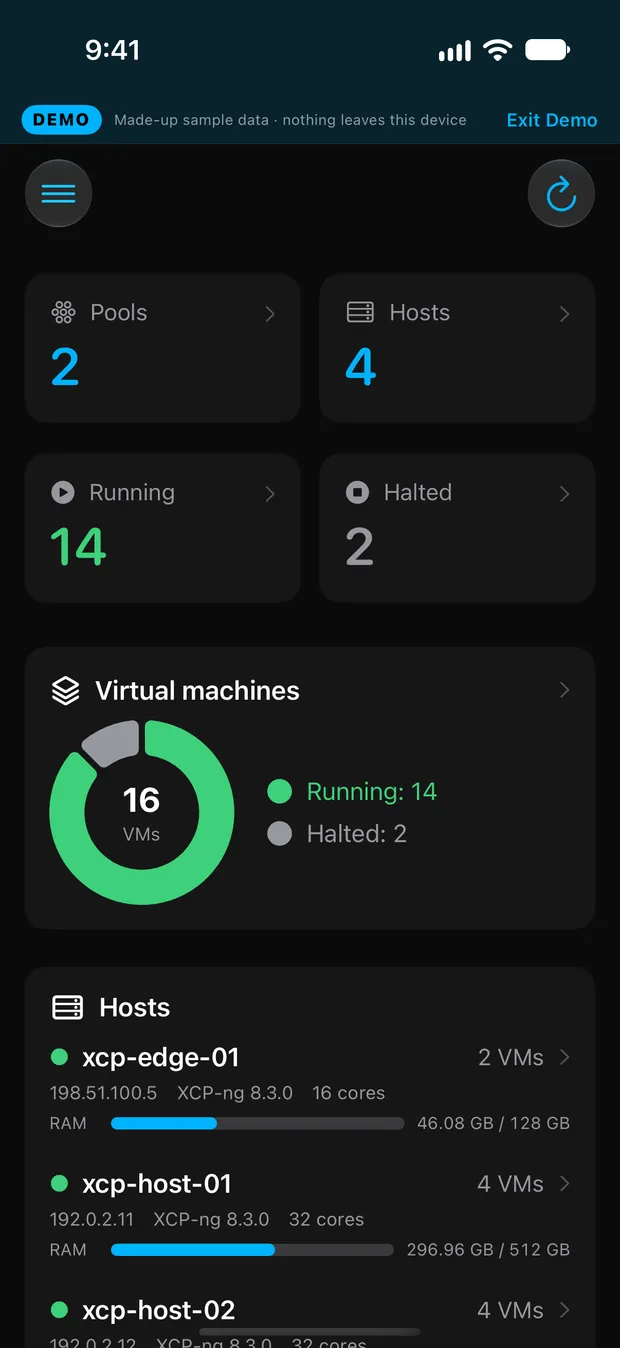
Yes. Tap Try Demo on the first screen or in Add Server to explore a built-in sample setup with made-up data. Tap Exit Demo at any time.
Is it free?
Yes, mobileXO is free.
Which servers does it work with?
Any Xen Orchestra server you can reach, whether that’s Xen Orchestra Appliance or built from sources, managing XCP-ng or XenServer. mobileXO uses XO’s REST and JSON-RPC APIs and picks the best one for each feature.
Is my password stored?
No. mobileXO signs in once, creates an XO authentication token for this device (visible in XO under User → Authentication tokens) and keeps only that token in the iOS Keychain.
Where do I get help?
Visit mobileXO Support or email support@netool.io.